Another Day · How to use it
How to use it
Take your time without having to find it all over again.
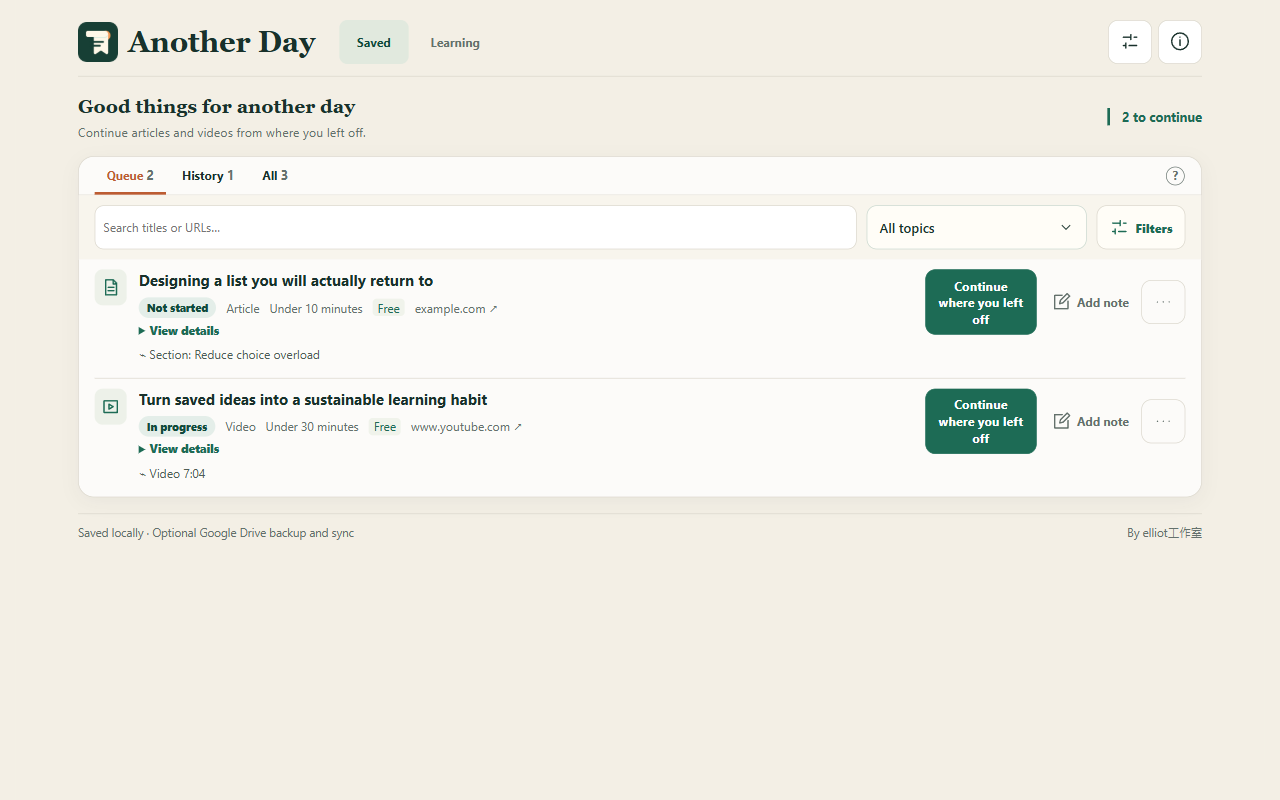
Save it to your list
Save an article or video with Another Day or the right-click menu. Add a note to remind yourself why you wanted to read it.
Have a moment? Pick one
Choose something from your list, or let Another Day pick based on the time you have.
Continue where you stopped
Videos can resume at a saved time. For articles, use “Return to last position” on the original page. You can also keep learning notes.
Some websites cannot restore your reading position, including social feeds, interactive pages, and PDFs.